Steam
The Steam build is almost ready. Testing comes first; the official store link will appear here when it is available.
DOWNLOAD
The modern iSnooker experience is built for Windows PC. Choose the standalone game, with more ways to join the club on the way.
The direct route to the online snooker club. Play on your Windows PC with the standalone iSnooker client.
Download iSnooker ↓Windows PC installer. Steam and Microsoft Store editions are separate upcoming releases.
MORE WAYS TO PLAY
The Steam build is almost ready. Testing comes first; the official store link will appear here when it is available.
A Microsoft Store edition is on the way. We’ll add the store link and release information here when it is ready.
iSnooker is a Windows PC game. Mobile gameplay is not available.
FROM DOWNLOAD TO FIRST FRAME
Download the official Windows installer and follow its setup instructions.
Launch the installed game and follow its current sign-in or account instructions.
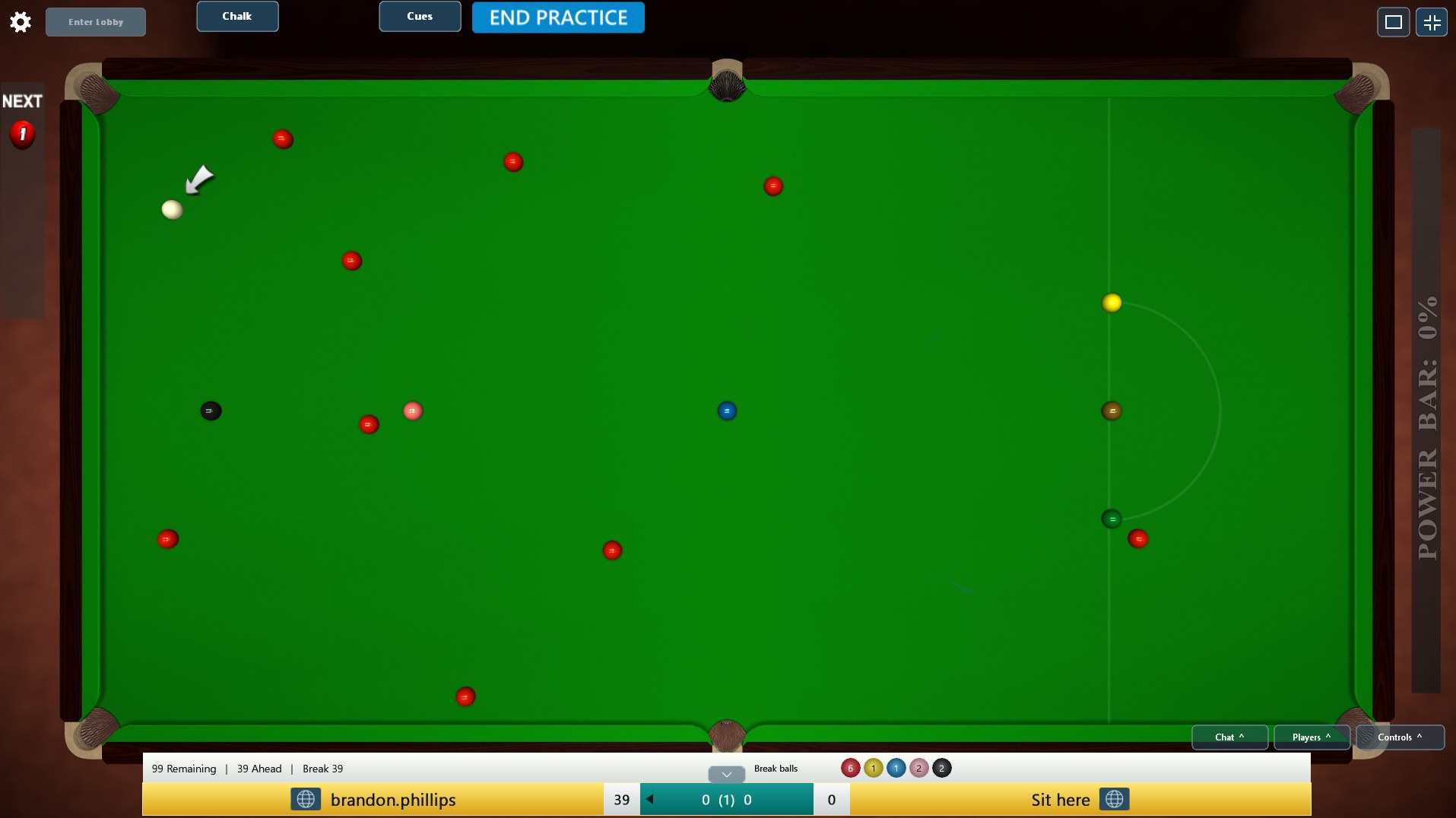
Start with practice, then visit the lobby when you’re ready for an opponent.
LOOKING FOR CLASSIC iSnooker?
The legacy client and lobby continue to run separately. Keep using your existing legacy installation to reach that service.
Download the legacy installer ↗